How to copy or fade an X account
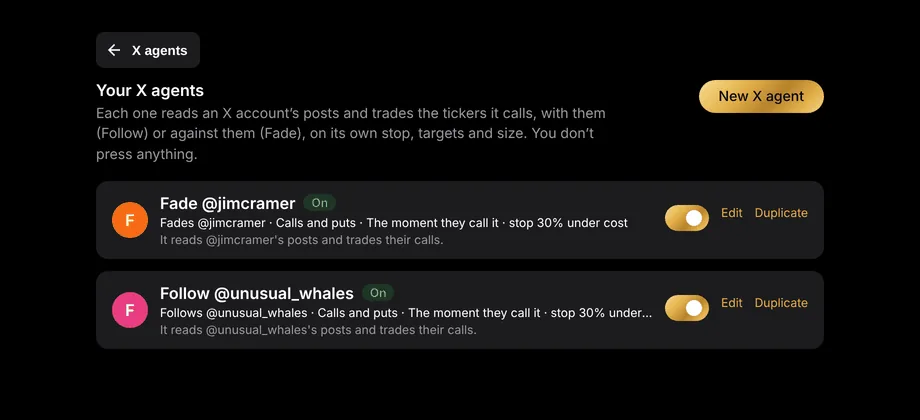
The X agent reads the posts of the X accounts you pick and trades their calls, with them (Follow) or against them (Fade), each in its own way with its own stop, target and hold.
WhereWeb: Agents › X agent · iPhone: Agents › Dashboard, the X accounts desk
The X agent is one agent for every X account you copy or fade. Sync AI reads each new post. When the account makes a call on a ticker, the agent trades it your way, inside your limits.
Add an account
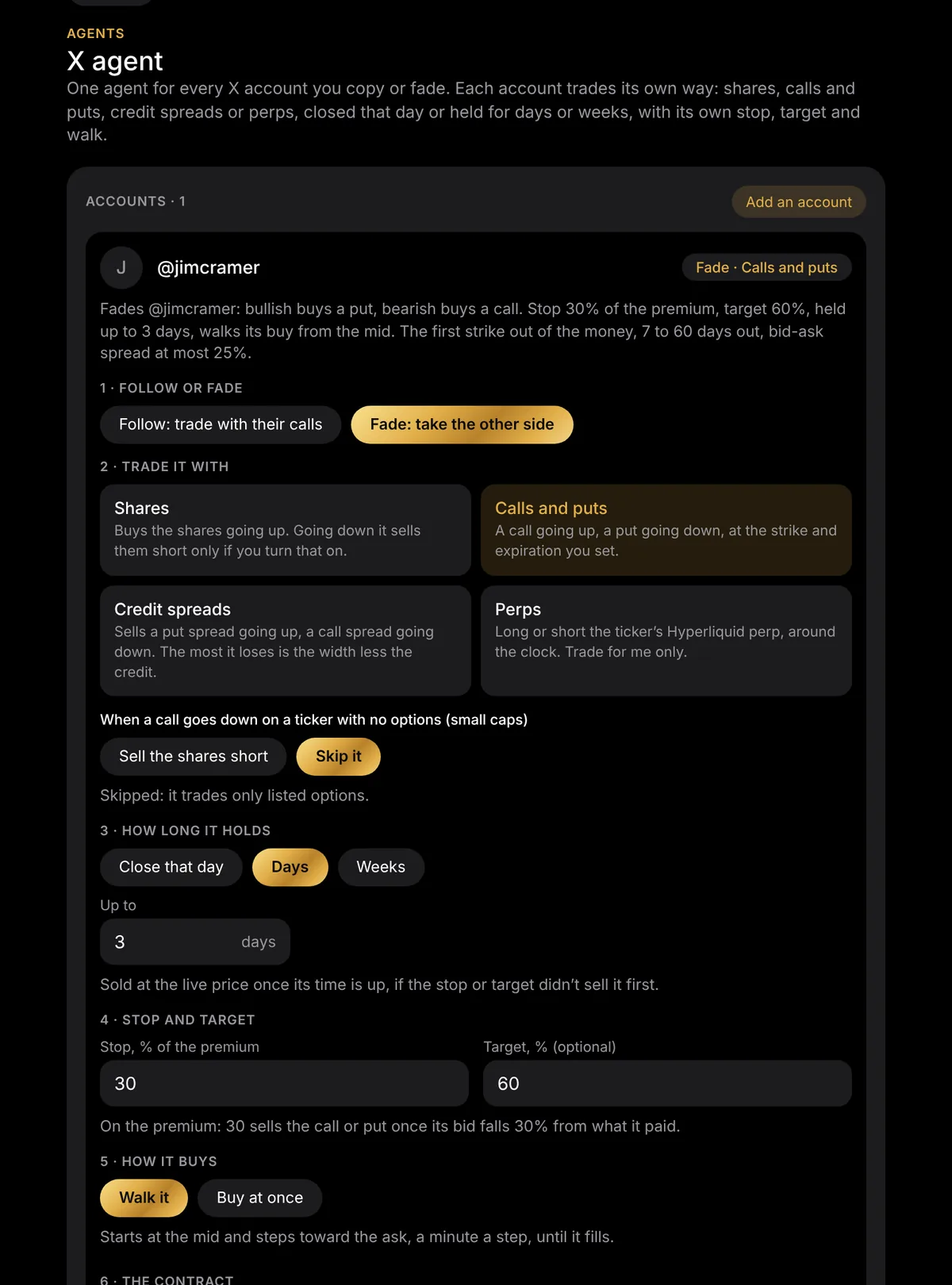
- Open the X agent and tap Add an account, or pick Follow or Fade on an account in the Copy or Fade leaderboard, where you see each account's record first.
- Follow or fade: trade with their calls, or take the other side.
- Trade it with:
- Shares: buys the shares going up.
- Calls and puts: a call going up, a put going down, at the strike and expiration you set.
- Credit spreads: a put spread going up, a call spread going down.
- Perps: long or short the ticker's Hyperliquid perp, around the clock. Perps trade only at your Hyperliquid wallet.
- How long it holds: close that day, or hold for days or weeks.
- Stop and target, and How it buys: walk the price from the mid, or buy at once.
- For options, The contract: the strike, days to expiration, delta, and limits on the bid-ask spread, open interest and premium.
How sure the AI must be
Each account has a sureness slider, with a graph of how many of that account's past calls you'd skip at each level.
Turn it on
Pick the account it trades in and what a trade may lose at its stop, then turn it on. Every trade has a stop at your broker, or at Hyperliquid for perps. Turn it off any time; a trade it holds keeps its stop, target and days.
Good to know
- Shares are never sold short, except an account you set to Sell the shares short on a ticker with no listed options, which trades only on IBKR connected directly.
- It reads posts only. It never copies another user's trades.
More in Strategies and copy trading
Still stuck? DM us and the team will answer.