How to use the AI Quant
The AI Quant puts your account's risk in numbers, then tells you what it would change, the most money at stake first. Ask it anything. It never places an order.
WhereiPhone: Agents › Dashboard › AI Quant · Web: Agents › Dashboard
Open it
On Agents › Dashboard, tap AI Quant in the first row of desks.
Read its calls
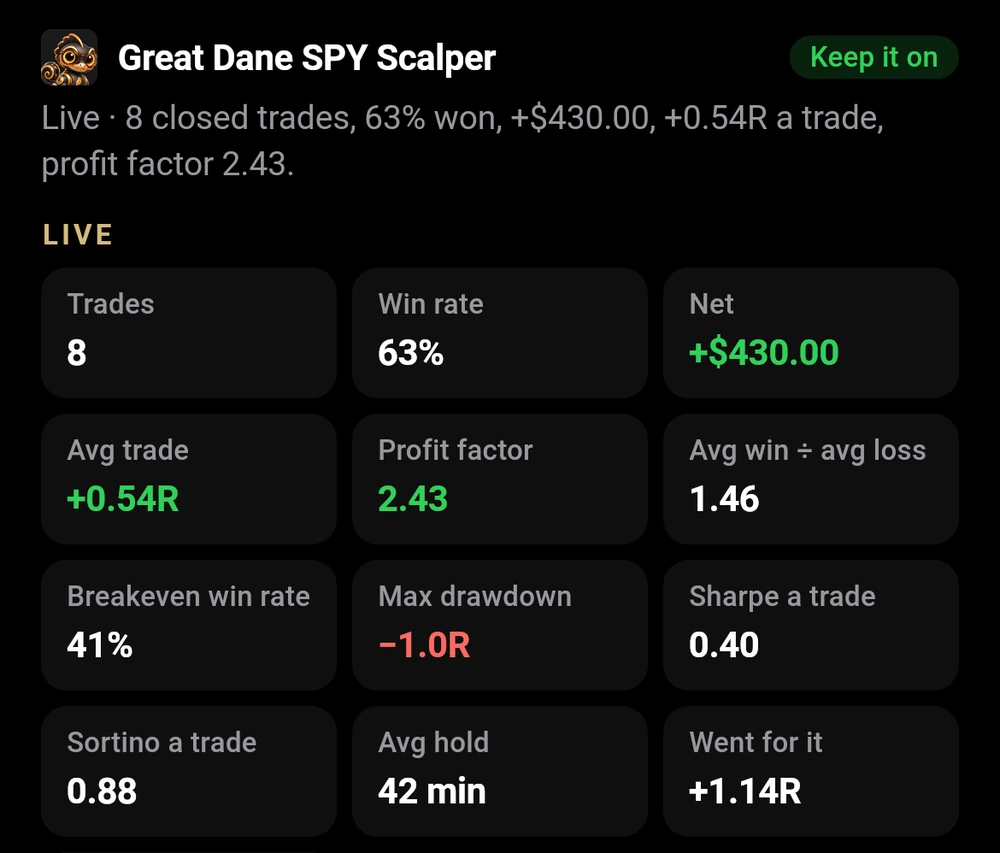
It puts your account's risk in numbers, then What I'd do: its calls, with the most money at stake first. For an agent, it reads its live record (trades, win rate, profit factor, drawdown) and says whether to keep it on.
Ask it anything
Tap a question or type your own, like "Score my trading", "What happens to my book if the market drops 10%?" or "Which strategy fits SPY now?". While it works it shows the steps it is taking, and its answers can include tables and next questions.
Good to know
- It is advice only: the AI Quant never places an order.
- It reads your own trades and Journal, never anyone else's.
More in AI agents
Still stuck? DM us and the team will answer.