How toGuideAI agents
How to use your Journal and What-if
Your Journal fills itself in from your broker's trades. Your coach sums up the week, and What-if replays your trades under one rule to show what you'd have made.
WhereiPhone: Portfolio › Journal · Web: Journal
Open it
Tap Journal at the top of Portfolio. It fills itself in from your broker's trades, and only you see it.
Your Overview
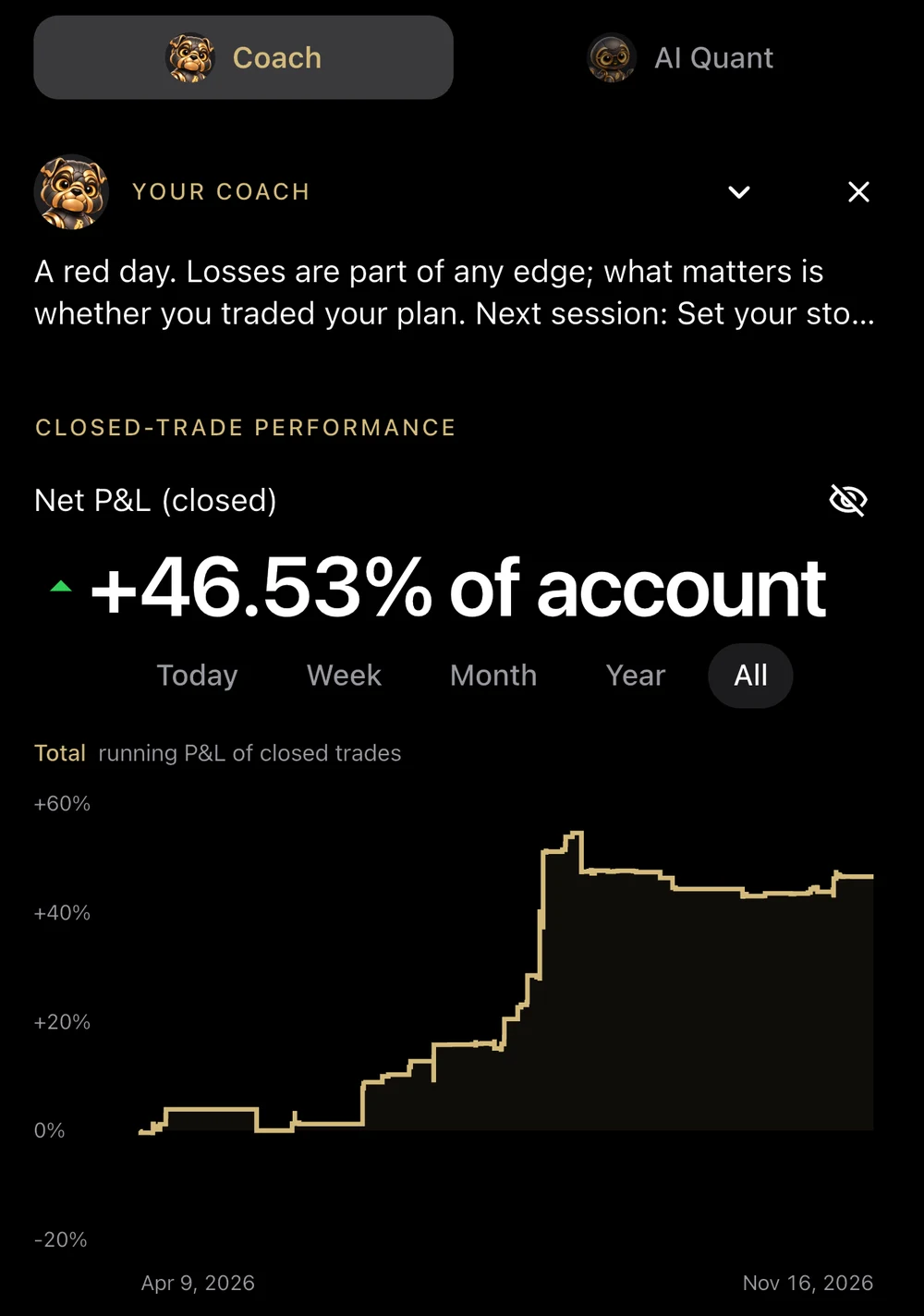
Your coach sums up the week, then comes your closed-trade P&L by day, week, month, year or all time. Tap Trades to see every trade.
Open any trade
Tap a trade for its chart and fills. By agent marks the ones an agent placed.
Test a rule with What-if
Each What-if card replays your trades under one rule, like a tighter stop, and shows what you would have made. Tap one to tune it.
Good to know
- Receipts is the last Journal tab: your verified trades, which you can share.
- The AI Quant and Takeover read your Journal too, to point out habits that cost you money.
More in AI agents
How toGuideAI agents
How to build an agent from an idea
Type what the agent should do in plain words. Sync turns it into rules you can change, you backtest them on real past prices, then make the agent and turn it on.
How toGuideAI agents
How to use the AI Quant
The AI Quant puts your account's risk in numbers, then tells you what it would change, the most money at stake first. Ask it anything. It never places an order.
How toGuideAI agents
How to use Syncster from Claude, ChatGPT or Grok
Add Syncster as a connector (MCP) in Claude, ChatGPT, Grok and other AI apps. Ask about your trades, Journal, agents and the market. They can send you trade ideas, and nothing trades until you approve.
Still stuck? DM us and the team will answer.